Ten years late to the dbt party (DuckDB edition)
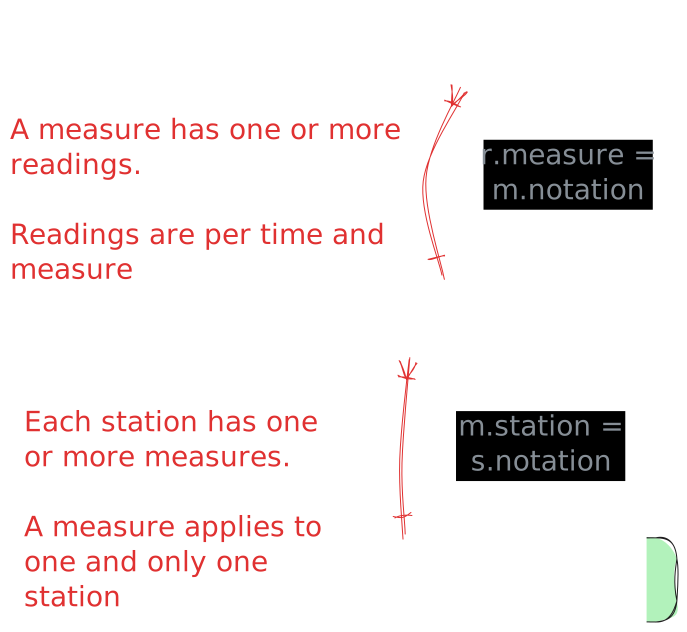
Apparently, you can teach an old dog new tricks. Last year I wrote a blog post about building a data processing pipeline using DuckDB to ingest weather sensor data from the UK’s Environment Agency. …

Apparently, you can teach an old dog new tricks. Last year I wrote a blog post about building a data processing pipeline using DuckDB to ingest weather sensor data from the UK’s Environment Agency. …
 AI
AI
 AI
AI



 Property Graph


 Stumbling into AI
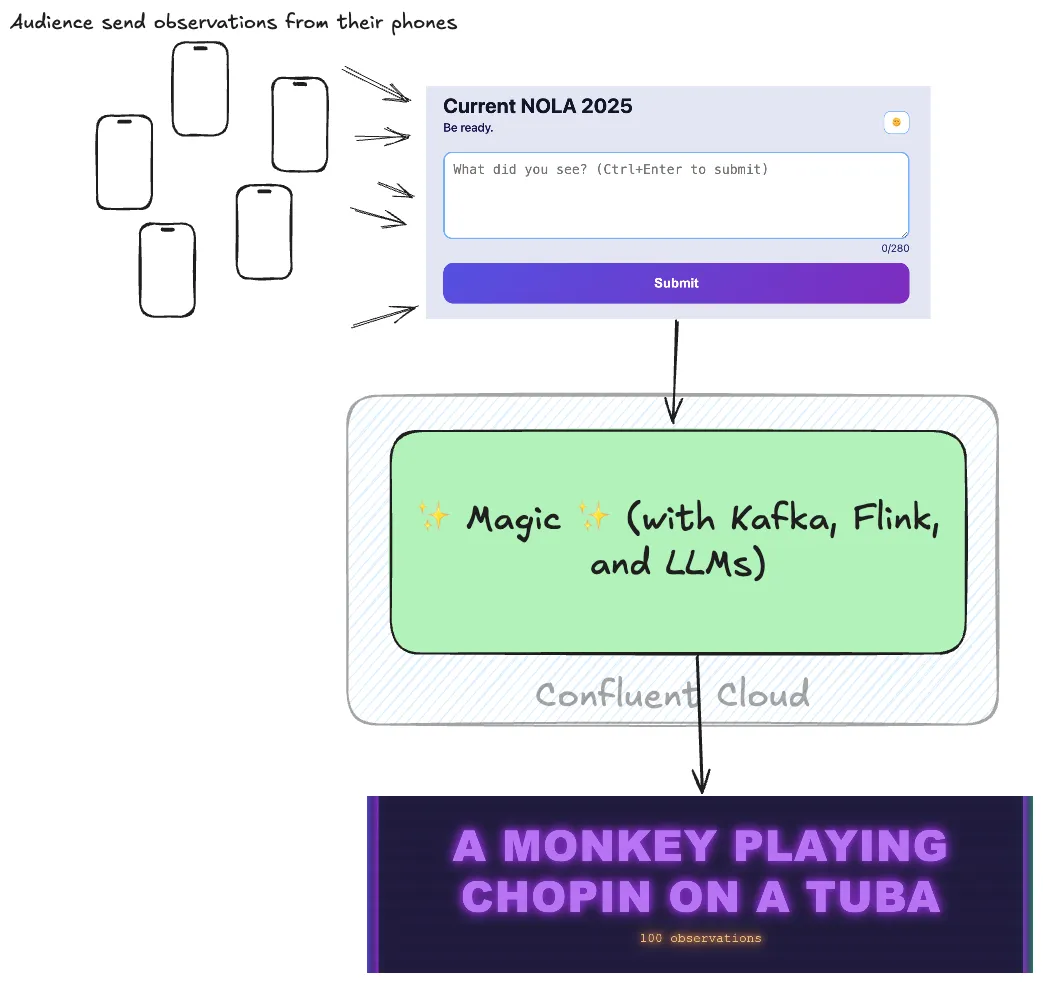 Stumbling into AI




 AI
AI





 Apache Flink

 Apache Iceberg
 Apache Iceberg

 Flink SQL



 Kafka Summit
 Apache Flink

 Apache Flink

 LinkedIn

 Confluent Cloud

 Blogging



 DuckDB
 DuckDB